Prompt Library

AI Prompt Library

Curated image, video and web design prompts from creators around the world. Copy any prompt, swap the subject or style, and generate with the latest models.

311 prompts · Updated daily · 100% free

231 prompts

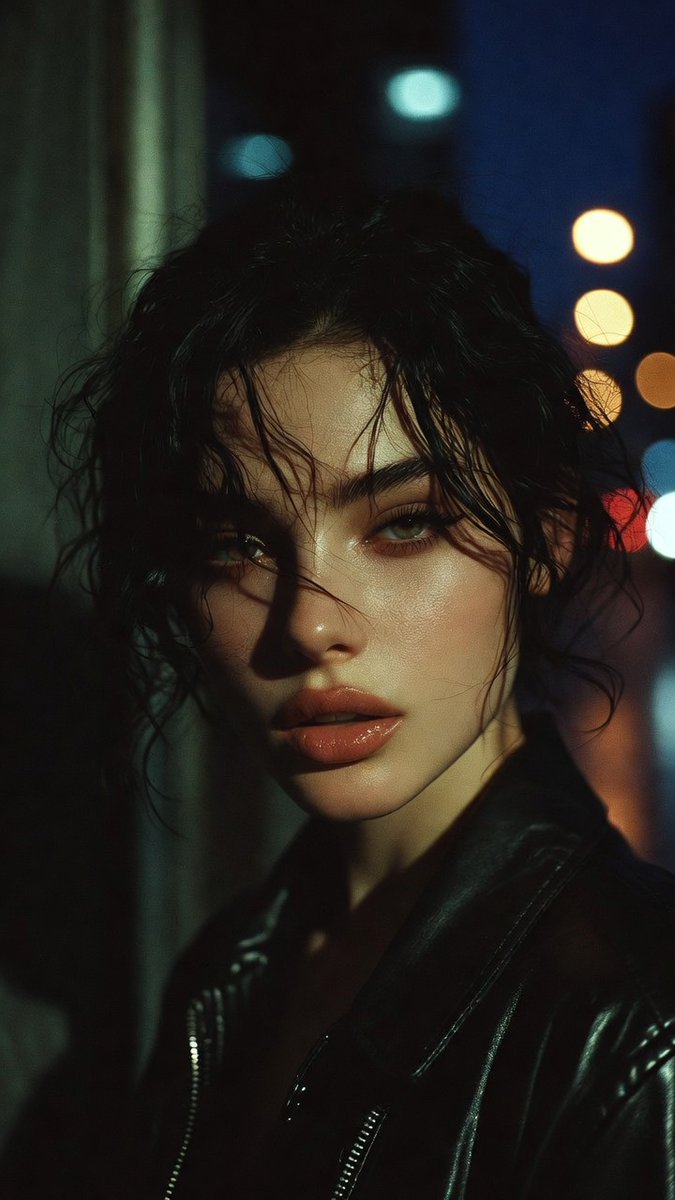
Moody Cinematic Portrait Prompt for AI Image Generation

Moody Cinematic Portrait Prompt for AI Image Generation

A moody cinematic portrait of a {argument name="subject" default="man"}, dramatic side lighting, high contrast, intense gaze, deep shadows, high detail, thriller aesthetic, {argument name="style" default="photorealistic"}, 8k

Hand-carved wooden miniature figure prompt

Hand-carved wooden miniature figure prompt

A hand-carved wooden miniature figure of {argument name="name" default="[NAME]"}, shaped with visible knife marks, natural grain texture, and smooth unfinished edges. Placed on a workshop table with carving tools, wood shavings, and soft warm directional lighting. 1080×1080.

A detailed prompt for generating a photorealistic image of a nano-banana-pro

A detailed prompt for generating a photorealistic image of a nano-banana-pro

photorealistic, high resolution, 8k, ultra detailed, a nano-banana-pro, on a {argument name="surface" default="wooden table"}, soft studio lighting, macro lens, shallow depth of field, {argument name="background" default="minimalist background"}, cinematic lighting, detailed texture, volumetric light, highly detailed, sharp focus, {argument name="style" default="photorealistic"}

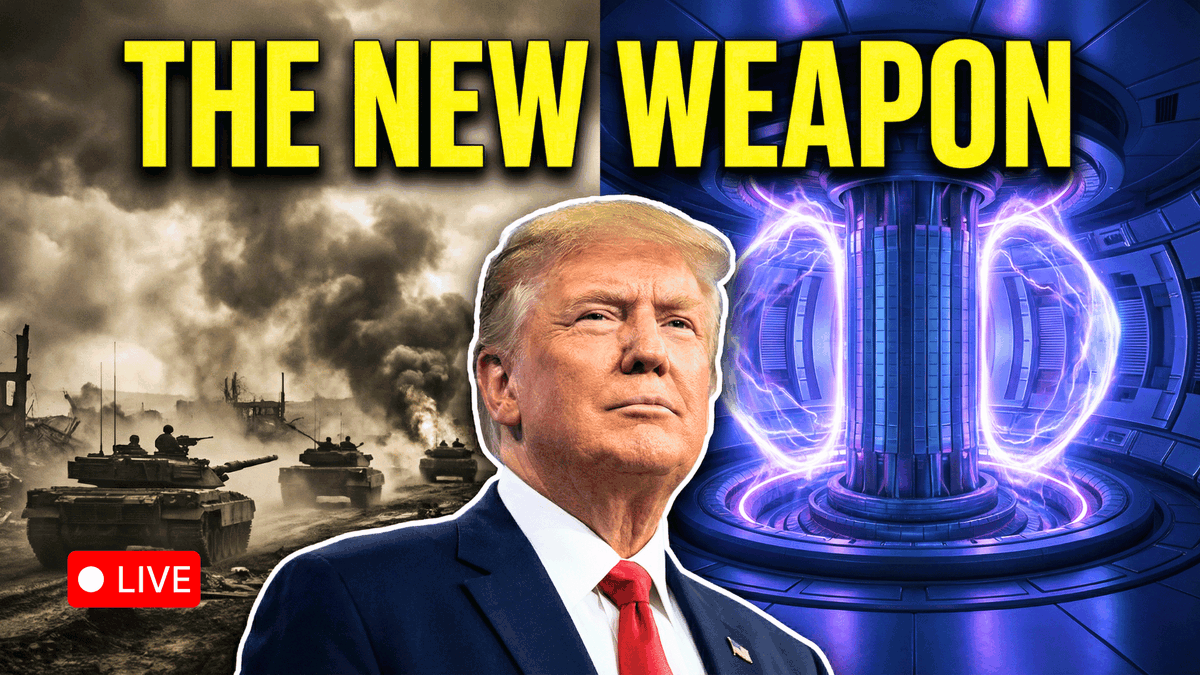
Youtube Thumbnail Concept: The New Weapon

Youtube Thumbnail Concept: The New Weapon

Youtube thumbnail Concept: Background (Split 50/50): Left Side (War): Grayscale or desaturated sepia tone. Shows a chaotic background of smoke or tanks. Right Side (Fusion): High-saturation, deep blues and glowing purples. Shows a futuristic tokamak reactor core. Subject: A large, shoulder up cutout of Trump placed dead center, acting as the divider between the two worlds. He should look confident/determined, facing slightly toward the "Fusion" side. Text (Top, full width): "{argument name="main text" default="THE NEW WEAPON"}" (in large, blocky #FFFF00 Yellow font). Note: Add a heavy black drop shadow or a dark gradient vignette at the very top to ensure the yellow text is readable against the glowing background."

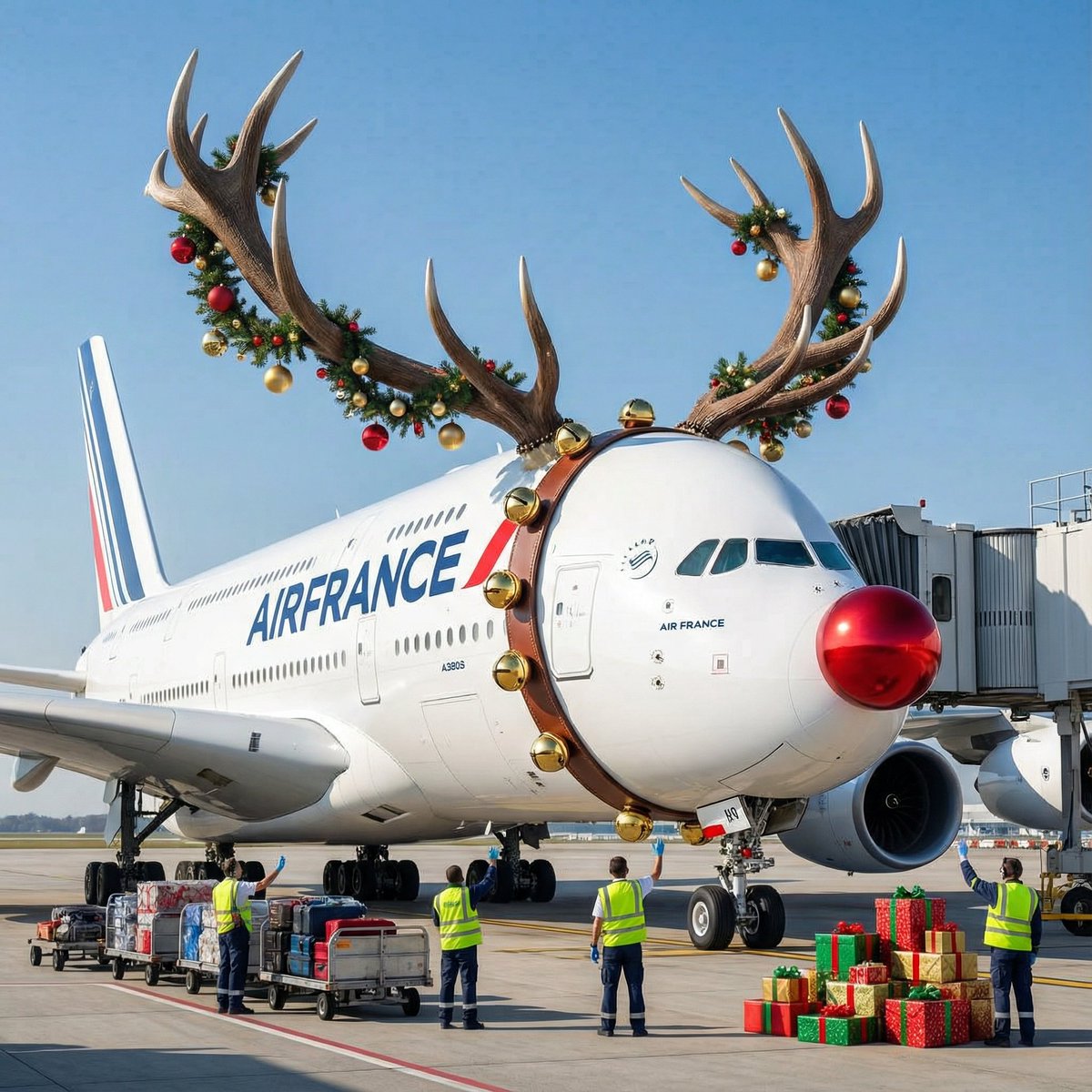
Air France ad fix prompt

Air France ad fix prompt

Air France A380 flying over Paris at night, futuristic neon lights, cinematic, dramatic lighting, high detail, 8k, photorealistic, wide shot, {argument name="style" default="cyberpunk"}, unreal engine, octane render, volumetric lighting, deep shadows, {argument name="color scheme" default="blue and orange"}, high contrast, sharp focus, {argument name="mood" default="epic"}

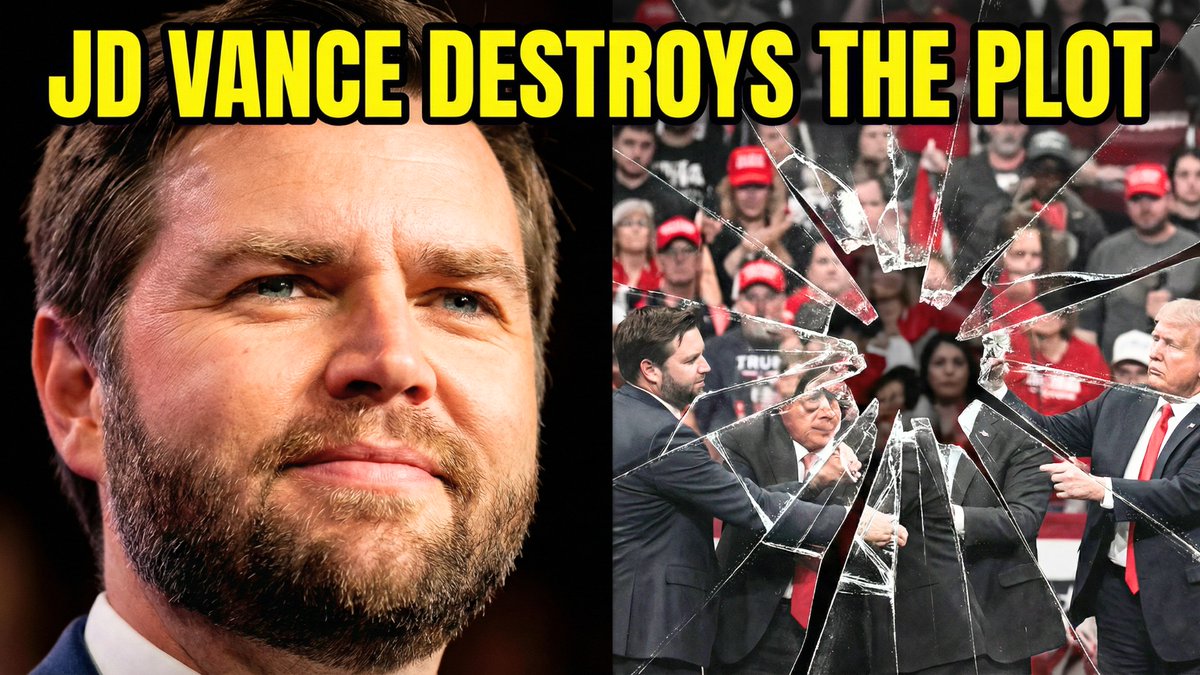
Split-Screen YouTube Thumbnail: JD Vance Political Commentary

Split-Screen YouTube Thumbnail: JD Vance Political Commentary

Split-screen YouTube thumbnail composition. LEFT SIDE (60%): JD Vance's face, professional warm lighting, determined confident expression with slight smirk, slight low angle shot looking up, high contrast and saturated colors, dark blurred background, heroic and resolute mood. RIGHT SIDE (40%): Shattered fractured glass effect overlaying darkened desaturated images of MAGA supporters and political figures pulling in different directions, visible crack lines and fragmentation throughout, chaotic and divided composition, dark grays and muted reds, broken and unstable visual. TOP OF ENTIRE THUMBNAIL: Bold yellow text with thick black outline reading "{argument name="text" default="JD VANCE DESTROYS THE PLOT"}", text spans across both sides at top third.

Tiny People, Giant Problem Diorama Prompt

Tiny People, Giant Problem Diorama Prompt

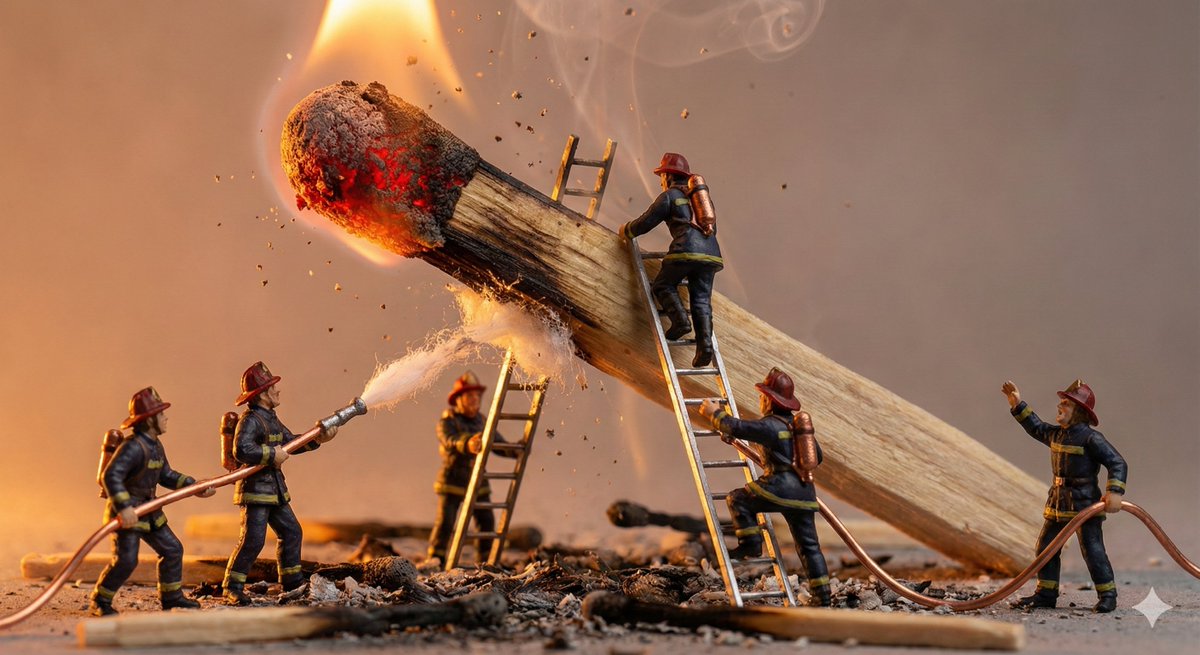
A miniature diorama showing tiny {argument name="PEOPLE / CHARACTERS" default="PEOPLE / CHARACTERS"} struggling with an oversized {argument name="EVERYDAY OBJECT" default="EVERYDAY OBJECT"}. Exaggerated scale contrast, expressive poses, cinematic lighting. Ultra-detailed props, handcrafted realism, macro lens perspective.

Architectural Diorama Coin Art Grid Prompt

Architectural Diorama Coin Art Grid Prompt

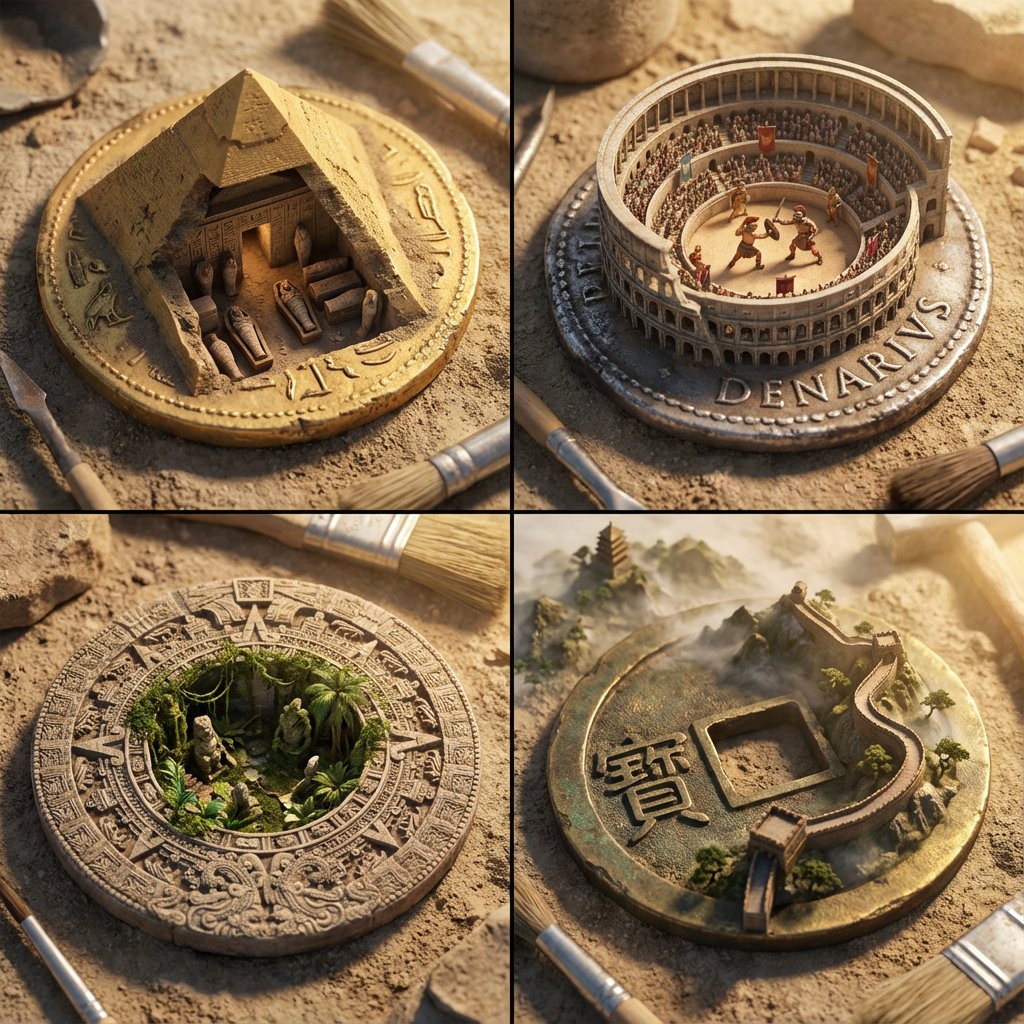
A 2x2 grid of ancient currency that has morphed into architectural dioramas. [Top Left: Egypt - A gold coin where the pyramid is a cutaway revealing a {argument name="Random Tomb Interior" default="Random Tomb Interior"} with tiny mummies] [Top Right: Rome - A silver Denarius where the Colosseum rises up, containing a {argument name="Random Gladiator Fight" default="Random Gladiator Fight"} with moving figures] [Bottom Left: Aztec - A stone disk coin where the temple steps open to reveal a {argument name="Random Jungle Overgrowth" default="Random Jungle Overgrowth"} taking over] [Bottom Right: China - A bronze coin with a square hole, featuring the Great Wall winding out of the coin into a {argument name="Random Mountain Landscape" default="Random Mountain Landscape"}] Archaeological photography, dusty textures, sun-drenched lighting, distinct cultural styles, sharp focus.

Corporate Tech/Anime Eyecatch Image Prompt

Corporate Tech/Anime Eyecatch Image Prompt

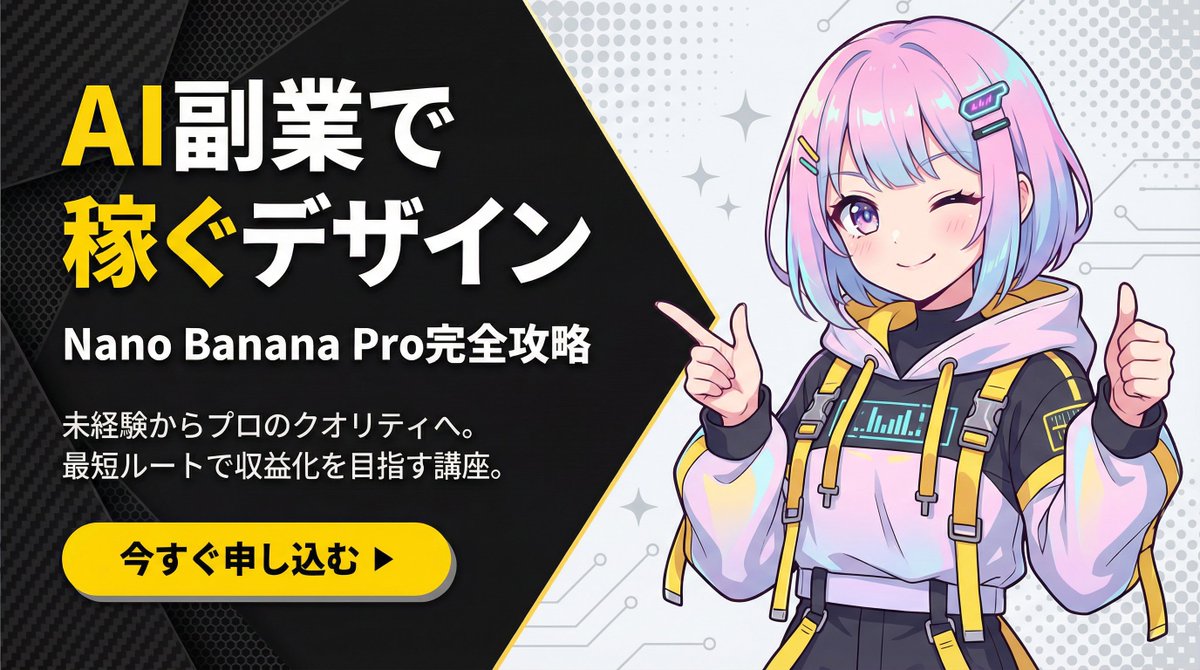
metadata: model_context: "Corporate Tech, High-Energy Business Youtube Thumbnail mixed with Anime Art" image_structure: composition_type: "Diagonal Split Layout (Arrowhead Shape)" visual_flow: "Left Text (Problem/Solution) -> Right Visual (Result/Character)" layers: layer_background_left: shape: "Geometric polygon covering left 60% of screen, with a sharp arrow-point extending into the right side" color: "Matte Black (#1A1A1A)" texture: "Subtle carbon fiber or mesh pattern to add tech depth" layer_typography: location: "Centered within the left black area" alignment: "Left-aligned or Centered" elements: - type: "Headline (Main)" text: "{argument name="main headline" default="Design to Earn\nwith AI Side Jobs"}" style: "Extremely bold, heavy Gothic font (Impact style). White text." highlight: "Apply Bright Yellow (#FFD700) color to the word '稼ぐ' (Earn) and 'AI'" - type: "Sub-Headline (Detail)" text: "{argument name="sub headline" default="Complete Guide to Nano Banana Pro"}" style: "Smaller white sans-serif text, clean and readable" - type: "Body Text (Explanation)" text: "{argument name="explanation text" default="From beginner to professional quality.\nCourse aiming for monetization via the shortest route."}" style: "Small, thin grey or white text block, justified layout" layer_cta_button: shape: "Rounded Pill Shape" color: "Bright Yellow (#FFD700)" text: "{argument name="CTA text" default="Apply Now ▶"}" text_color: "Black" location: "Bottom left, below the text block" style: "Flat design with slight drop shadow" layer_visual_right: shape: "Fills the remaining right side (behind the arrow overlap)" content: "Japanese Kawaii Anime Girl illustration" style: "2D Cel-shaded anime art, high detail, vibrant colors" details: subject: "A cute anime girl with a futuristic / cyber-fashion look" appearance: hair: "Pastel pink and blue gradient bob cut, with cyber hair clips" eyes: "Large sparkling anime eyes, confident smile" clothing: "Stylish tech-wear hoodie with yellow accents to match the background theme" pose: "Dynamic pose, pointing finger towards the text on the left or giving a thumbs up" background_context: "Simple light grey or white background with abstract pop patterns (dots/stars) to make the character stand out" style_and_tone: art_style: "Modern Corporate Tech Design mixed with Japanese Anime aesthetics" color_palette: primary: "Black, Yellow" secondary: "Pastel Pink/Blue (Character), White"

Advanced Two-Step Prompting Strategy for Nano Banana Pro Thumbnails

Advanced Two-Step Prompting Strategy for Nano Banana Pro Thumbnails

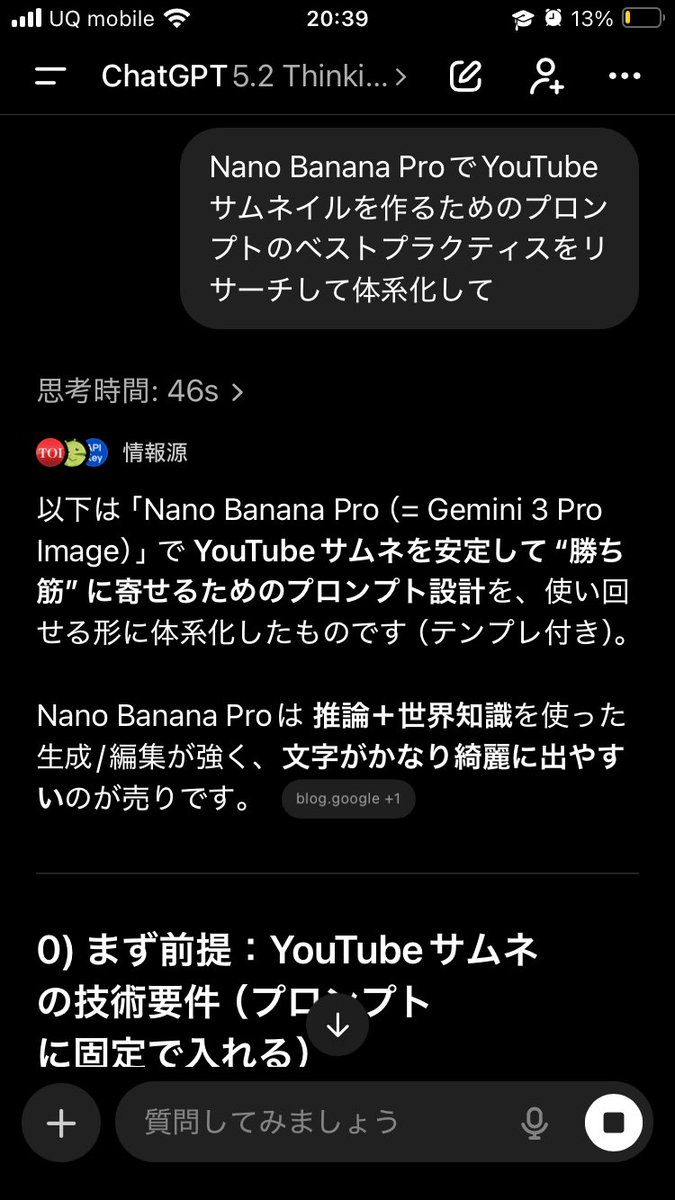
Actually, there's a trickier way to use this. First, have it systematically summarize the information → Then, based on that, have it create the output/deepen the discussion Just doing this makes the quality of the output completely different. This is because if you first create a blueprint in the AI's mind—including "terminology," "judgment criteria," "prohibited items," "patterns," and "priorities"— The next instructions will be output according to that blueprint, making it less likely to deviate. For example, if you want Nano Banana Pro to create a thumbnail: ① First, ask GPT-5.2: "Thoroughly research and systematize the best practices for creating prompts for YouTube thumbnails using Nano Banana Pro. Include common mistakes as well." ② After that, ask: "Based on the current system, create a prompt for making a YouTube thumbnail on the theme of {argument name="theme" default="XX"} using Nano Banana Pro. The video content is like this, and I want to include {argument name="wording" default="this kind of wording"}." Then, input the completed prompt into Nano Banana Pro. It becomes much easier to get the desired output. If you just ask it to "create" every time, the AI outputs based on the moment, leading to inconsistent results. But if you create a map (system) first, it's powerful. Moreover, this method works for side business strategies, sales copy, and video scripts. The versatility is insane. I highly recommend having the AI organize how to create good output before having it perform the task, and then having it think based on that organization. By the way, the thumbnail created this time is the third image. Since the first attempt was mediocre, I had it systematize how to create attractive YouTube thumbnails before generating the prompt.

Cognitive Science-Based High-CTR Thumbnail Design Prompt

Cognitive Science-Based High-CTR Thumbnail Design Prompt

You are an expert in the "Adaptive Salience Model," creatively integrating knowledge from cognitive science (neuroscience, psychology, behavioral economics), and you are a top-tier art director. Deeply analyze the [Input Text (Article Title or Beginning)] provided at the end, and generate a thumbnail image that maximizes the CTR (Click-Through Rate) for that article. If a reference image is attached, place that character as the "person presenting the article content" and maintain consistency. ▼ Instructions for Generation Process (Thinking Process) Use Nano Banana Pro's "Thinking Mode" to logically formulate the composition plan in the following steps before drawing: 1. **[Step 1: Content Analysis and Hook Extraction]** * Identify the "maximum benefit the reader gains" or the "risk of loss if they don't know" from the input text (Application of Prospect Theory). * Select the most intuitive visual metaphor symbolizing the article's theme (e.g., rise, key, lightning, light, darkness, etc.). 2. **[Step 2: Optimization by Adaptive Salience Model]** * **FFA Activation (Face Fusiform Area)**: Maximize the resolution of the character's face, especially the "eyes," and design the composition so that the gaze meets the viewer's (eye contact). Match the expression to the article's tone (surprise, confidence, seriousness, etc.). * **Pop-out Effect**: Use "vivid colors (neon colors or yellow, etc.)" that are complementary to the background color for the title text and important icons to create visual prominence. * **Cognitive Load Theory**: Do not overload the information. Limit elements to "1 face + 1 impactful text + 1 background metaphor." 3. **[Step 3: Layout Design]** * Design the layout, considering the Z-pattern or F-pattern, so that the viewer's gaze flows from the "face" → "high jump-rate text" → "clickable element." ▼ Design and Style Specification * **Composition**: Close-up (bust shot) or medium shot. Place the character in the center or at the intersection of the rule of thirds. * **Taste/Aesthetic**: [Optimize for the genre of the input text. Examples: For business, "sophisticated, trustworthy"; for entertainment, "vibrant, high saturation"; for technology, "cyberpunk, futuristic"] * **Text Rendering (Important)**: * Extract the **most catchy short phrase (recommended 10 characters or less)** from the input text. * **Font**: Use "**Heavy Serif**" font. To enhance readability, the text must have a **thick outline** contrasting with the background color. * **Placement (Jump Rate)**: **Set a high "Jump Rate."** Place the main keywords extremely large, and auxiliary words or sub-information small, creating visual rhythm and contrast. * **Character Direction**: If there is a reference character, adjust their attire to match the article's theme (lab coat, suit, explorer, casual, etc.). ▼ Input Text {argument name="input text" default="(Article title or content)"}

Hyper-realistic Cobalt Blue Coconut Still Life

Hyper-realistic Cobalt Blue Coconut Still Life

{ "image_prompt": { "quality": "8K hyper-realistic", "style": "photorealistic, high-detail, tropical still life", "subject": { "object": "coconut", "color": "vibrant cobalt blue with subtle purple undertones", "surface": "wet with fresh water droplets and fine texture details", "stem": "natural short stem attached, slightly weathered", "damage": "fine natural scratch marks and fibrous lines visible" }, "composition": { "frame": "close-up, low-angle", "placement": "center-left on a rustic wooden stump", "foreground": "wet wood with small puddles and reflections", "background": "soft-focus tropical rice field and palm trees, overcast sky" }, "lighting": { "type": "soft natural diffused light (golden hour / after-rain feel)", "highlights": "gentle specular highlights on water droplets and curvature", "shadows": "soft, realistic cast shadow matching scene" }, "camera_settings": { "lens": "85mm portrait-style", "aperture": "f/1.8 (shallow depth of field)", "focus": "sharp on coconut surface and droplets, background bokeh", "orientation": "vertical" }, "post_processing": { "contrast": "medium-high to enhance texture", "saturation": "slightly boosted for blue vibrancy", "sharpening": "micro-detail sharpening on surface and droplets", "film_grain": "very light to preserve photorealism" }, "creative_notes": "keep colors natural-looking despite vivid blue; preserve fine fibrous texture and droplet realism; avoid artificial gradients", "signature": "VIVEK HY" } }

Some prompts are collected from creators on X. Copyright belongs to the original authors.